JobRouter® Function : Easily manage master data
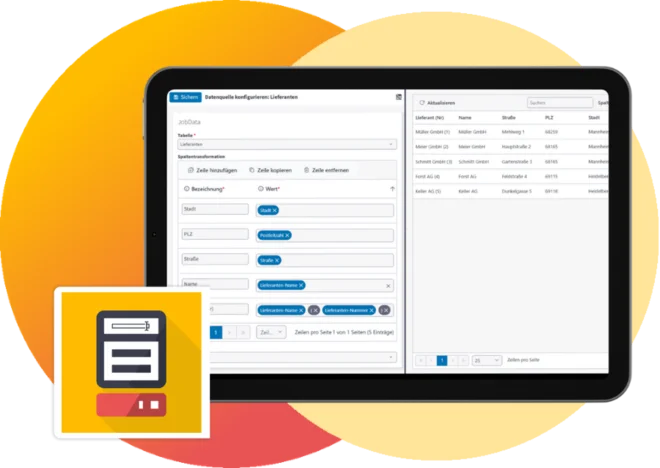
Easily integrate master data into your processes and archives — work consistently and efficiently.
Use Integrated Data Management in Any Business Process
Many JobRouter® processes access different types of master data for reading or writing purposes. This may include customer data that needs to be displayed in a dialog, or a list of cost centers to be selected within a process. It would also be possible to request an approval matrix in the form of a table, which can then be used to determine the appropriate decision-makers directly within the workflow. To do this, tables must be created and adjusted, and their content must be maintained.
With the integrated JobRouter® master data management, these tasks can be handled easily through the user interface. Administrators and process designers can create any tables they need and define which users have access to view or maintain the data. All functions are seamlessly integrated into the user management and authorization system of the JobRouter® platform.
Examples of typical master data tables
- Suppliers
- Customers
- Cost centers
- Approval matrix
- Incoming invoice ledger
- Project lists
- Currencies
JobRouter® Master Data Management : Now manage these data tasks more easily
Creating and editing tables
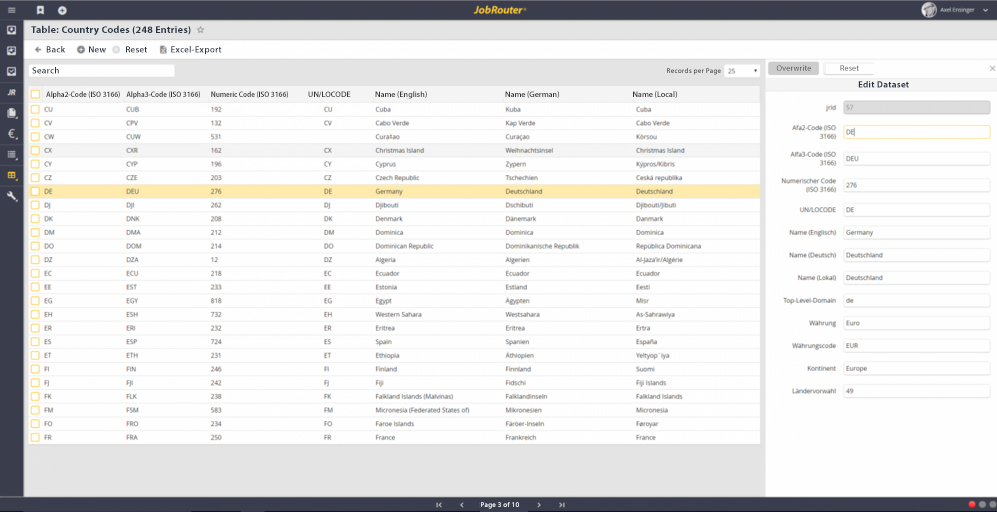
Process designers usually create tables and are explicitly assigned the right to do so. Through an easy-to-use user interface, users with no prior database knowledge can now quickly create and edit their own tables. Existing tables can, of course, also be selected as a source, eliminating the need to create new ones. Each table can contain any number of columns, with support for the standard field types in JobRouter® — such as text, date fields, and decimal numbers. In addition, key fields can be defined and restrictions can be applied.
Simple data maintenance

Using an administration interface, JobRouter users can easily insert, edit, or delete records in JobData tables. This means that data maintenance is no longer handled solely by administrators or process designers, but can also be easily delegated to specialist departments. From now on, all users are free to quickly and easily search for records and edit them as needed.
Access control
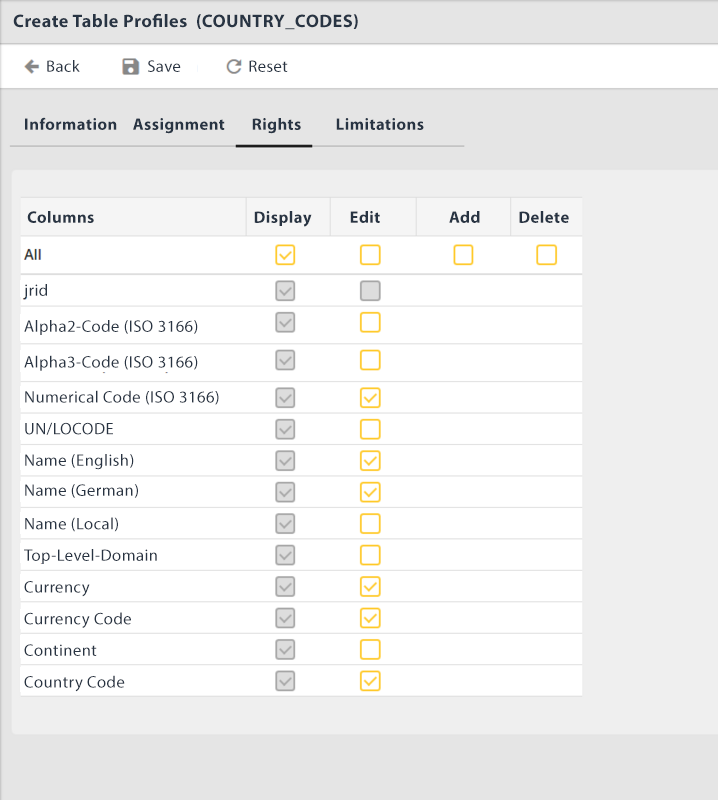
Table access can be restricted using specific JobData profiles that are assigned to users via roles. This makes it more transparent and manageable to determine which users may access specific tables and with which permissions. In addition, table views can be limited so that only the appropriate selection is available for editing, or the selection can be reduced to specific records, such as customers from a particular region.
Excel export and import
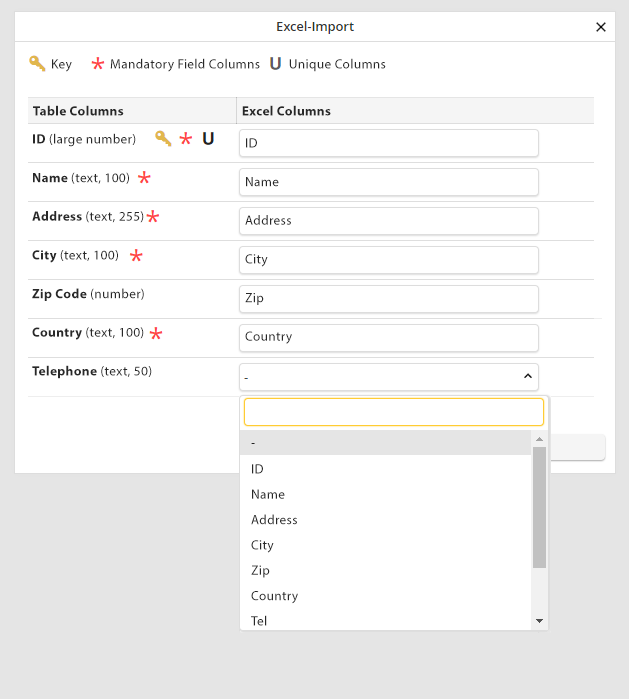
Users with access to data management can easily export records from a table as an Excel file for further processing, for example to perform analyses. Records can also be imported in the same way. When an Excel file is uploaded, the columns are mapped to the target table, allowing the records to be imported quickly into JobRouter®.
Transfer von Tabellen
Natürlich müssen Tabellen auch zwischen JobRouter-Systemen ausgetauscht werden können, z.B. aus dem Test- in das Produktivsystem. JobData bietet hier eine einfache Funktion, um Tabellen als Datei zu exportierten und in ein anderes System zu importieren. Bei Bedarf können zusätzlich zur Tabellenstruktur auch sämtliche Datensätze mit übernommen werden. Dies bedeutet eine enorme Arbeitserleichterung für Prozessdesigner.