Save time with workflow automation : How you benefit from workflow automation
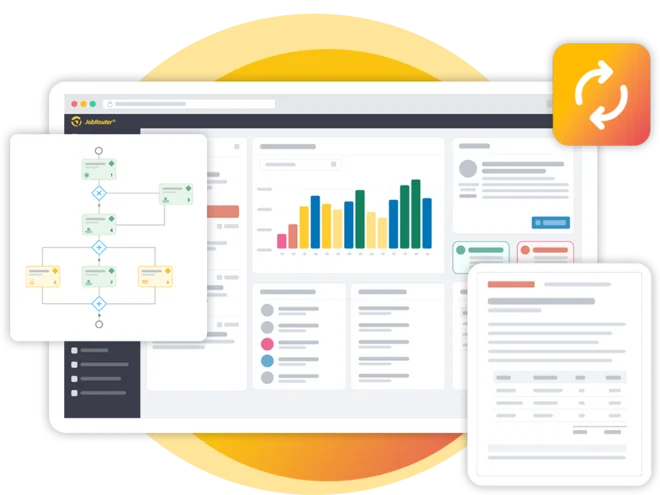
The JobRouter® digitization platform accelerates your workflows and frees up time in your organization for the tasks that truly add value. Our workflow automation software offers a wide variety of integrated interfaces and modules that enable you to automate processes in virtually any scenario.
Unlike document management systems, our platform equally supports both document- and data-related processes. Below, you can find valuable tips and learn how JobRouter® supports you with workflow automation.
Definition : What Is Workflow Automation?
Workflow automation means that you do not just document or visualize workflows, but map them digitally. Automated processes take over routine tasks and control how data and documents flow between people and systems based on business rules. Workflow automation software ensures that everyone involved is included at the right time. Each person receives the tasks that are relevant to them. Unlike manual processes, where you have to trigger every step yourself—for example, by email or by forwarding a document—a workflow management system handles this coordination for you. In simplified terms, workflow management covers the planning, modeling, control, and analysis of your workflows.
However, automating workflows is not just about managing processes digitally. The key idea is to gradually replace manual steps with digital automation. This allows you to noticeably increase the efficiency of your processes.
Good Reasons for Workflow Automation
The right workflow automation software lets you increase productivity across departments in your company by automating common work processes. You and your employees then have more time to spend on improving your customers’ experience. And that helps you gain a critical competitive advantage over other companies that are still working with manual workflows.
Workflow Automation – Your Benefits at a Glance
- Increase productivity
- Reduce error rates
- Improve transparency
- Enhance customer satisfaction
- Gain competitive advantage
How JobRouter® Supports You in Workflow Automation
Networking your entire company
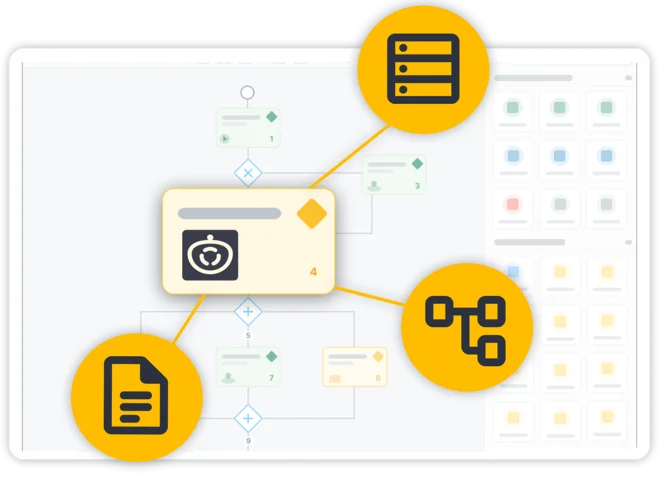
The JobRouter® digital process automation platform combines processes, data and document management into a unique platform that lets you automate workflows the way you want. No matter which industry your company operates in, JobRouter® lets you network all systems and departments throughout your company.
To make this happen, we offer modular building blocks and flexible interfaces, giving you a powerful solution for countless use cases. That means the JobRouter® platform is fully scalable, whether you’re gradually implementing a few automated business processes or interlinking entire departments across your company.
Visualizing and designing business processes
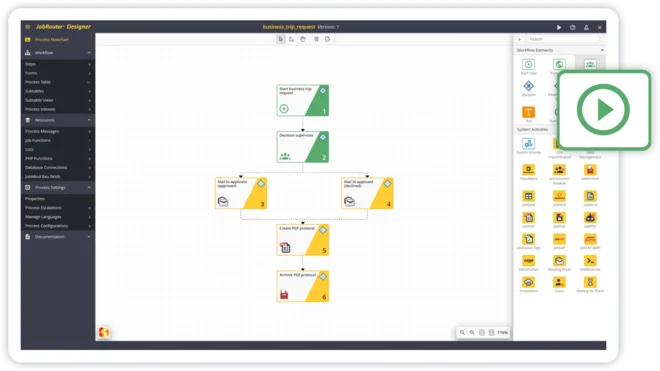
Every workflow automation project starts with mapping the current state and defining the target workflow. Using JobRouter®’s visual flow-chart designer, you can design simple to complex workflows clearly and flexibly. You can export charts for documentation or import BPMN files (supported since v2022.2) to automatically convert them into JobRouter® processes.
The Digital Workplace for everyone
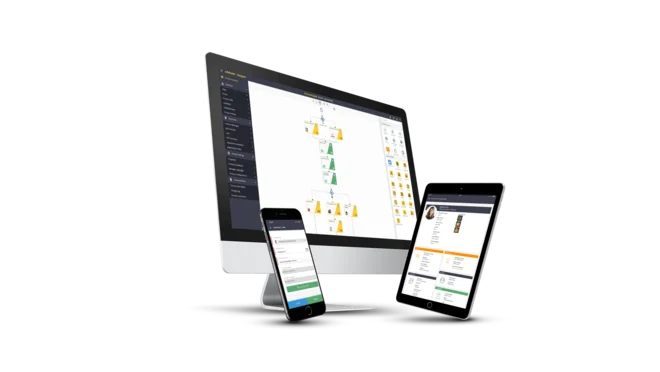
Looking for a central place for managing all your company’s process-driven tasks? One that gives everyone instant access to all the data and documents they need?
With JobRouter® you create a Digital Workplace. Our intuitive web interface and mobile JobRouter® app give you a constant overview of ongoing tasks. The interactive forms help everyone complete their tasks and easily access all the information they need, including from other applications.
A workflow engine to control your processes
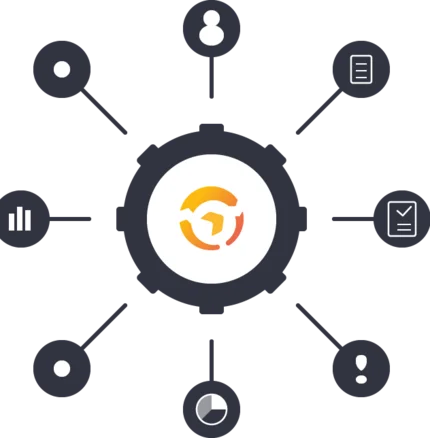
The JobRouter® workflow engine controls your digital business processes and ensures compliance with preset business rules. The engine is built for scalability and efficiently handles your processes—from just a few to tens of thousands of transactions per day.
Design user interactions with the form designer
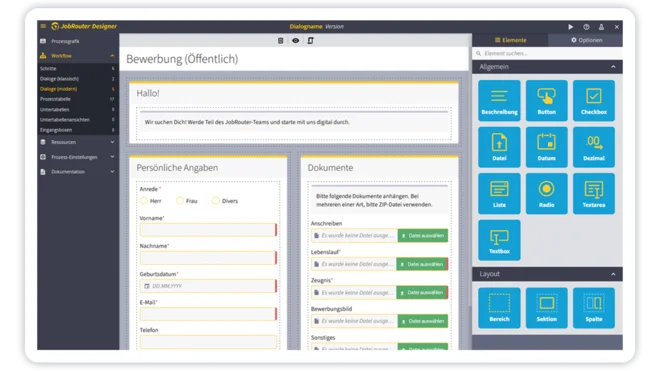
Forms enable everyone involved in the workflow to receive the information they need and complete their tasks. With the form designer in JobRouter® you can easily create new forms, even if you have no programming knowledge.
Simply choose and configure the elements you want and they are added to the dialog, whether it’s input fields for displaying and editing process data, list fields for selecting data, or much more.
Monitor process and step times
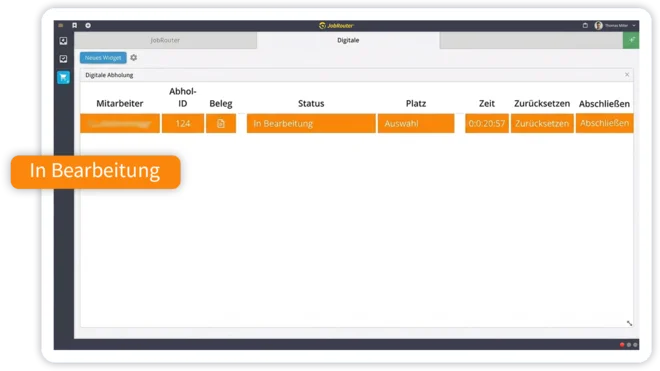
JobRouter® has integrated functions that monitor process and step times. If a user misses a deadline, they receive a visual notification. You can even incorporate multi-level escalation flows. For example, send an automatic email to the person responsible for a task, or automatically reassign tasks when needed.
Set up substitutions and delegate tasks
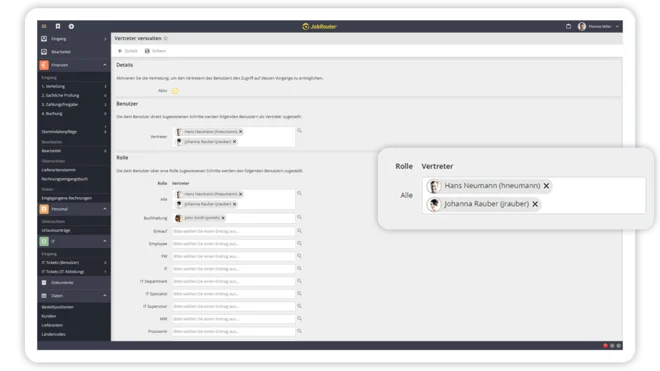
Each user can select a substitute for each task they perform, so there’s automatically someone there to back them up in case they are absent. You can even select different substitutes for different tasks.
Integrate data and documents
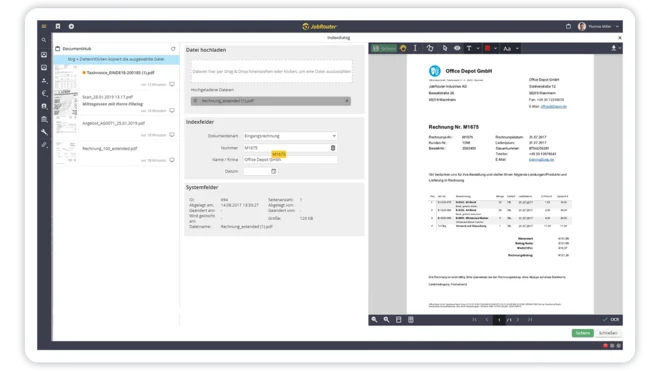
Virtually every task involves data and documents. The JobRouter® platform is a one-stop solution for processing, managing and archiving your documents. You can also integrate master data into your processes and archives whenever needed, enabling you and your employees to work more consistently and efficiently.
Continuously improve your business processes
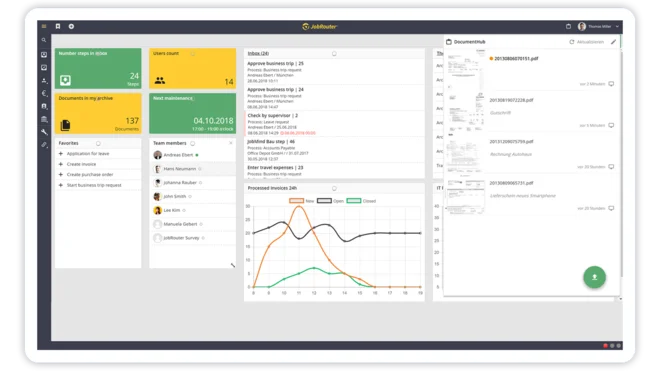
One of the main benefits of workflow automation is that it allows you to continuously improve and optimize your business processes. Based on the recorded workflow data in JobRouter®, you can analyze and identify areas for improvement. You can use this data to guide you through all phases of setting up business process management.
System activities for end-to-end automated workflows
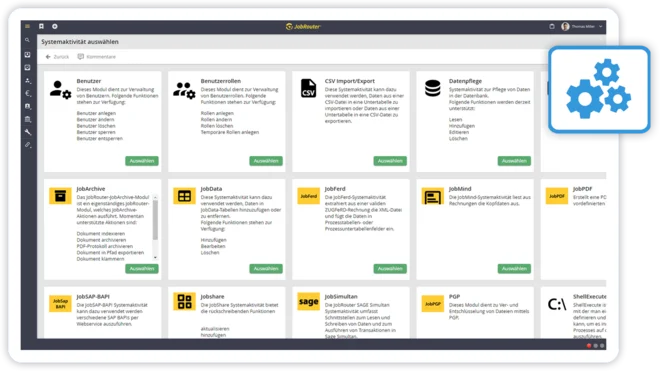
With the help of system activities, you can easily add any functions to a JobRouter® process. System activities can serve as an interface to other company applications such as your ERP or CRM system. They can also be used for existing functions, such as sending emails, archiving documents or creating new users.
How to automate workflows the right way
Workflow automation comes in many shapes—from simple approval workflows to complex chained automation. For example, in digitized accounting: a team member fills out a digital investment request form, which the workflow automation system routes to the approver. They can approve, reject, or escalate. Approved requests trigger further process automation—for IT, operations, or marketing.
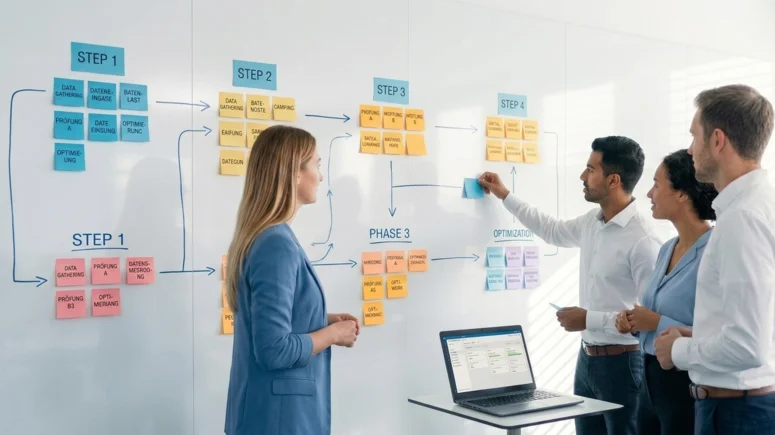
Document workflows visually
Create flowcharts to clarify each step. Use colors or symbols to highlight stages and responsibilities.
Collect feedback early
Talk to team members performing manual tasks. They know best which steps should be automated.
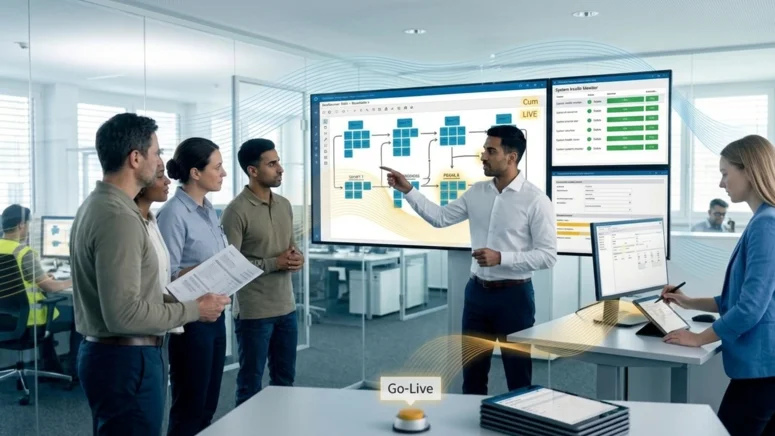
Define clear KPIs
Set measurable goals—e.g. time or cost savings per week.
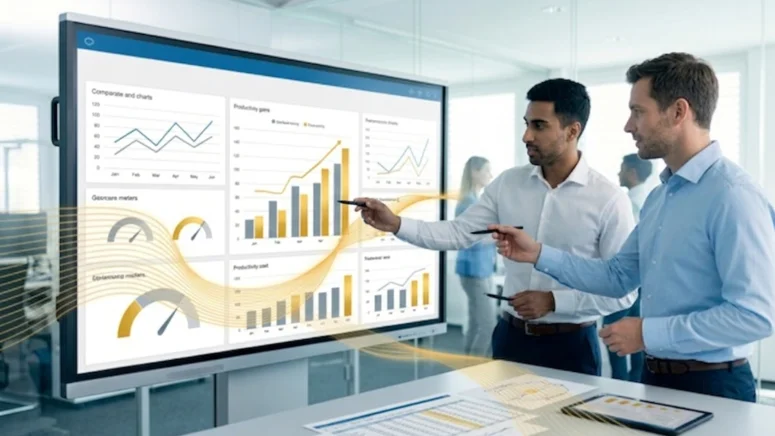
Select the right tools
Whether process automation tools, RPA, or a low-code platform—choose scalable solutions for automation.
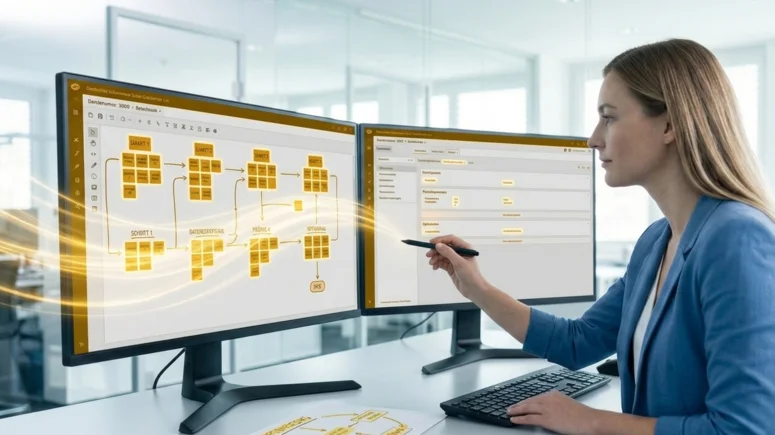
Test thoroughly
Validate workflows with real users across scenarios before launch.
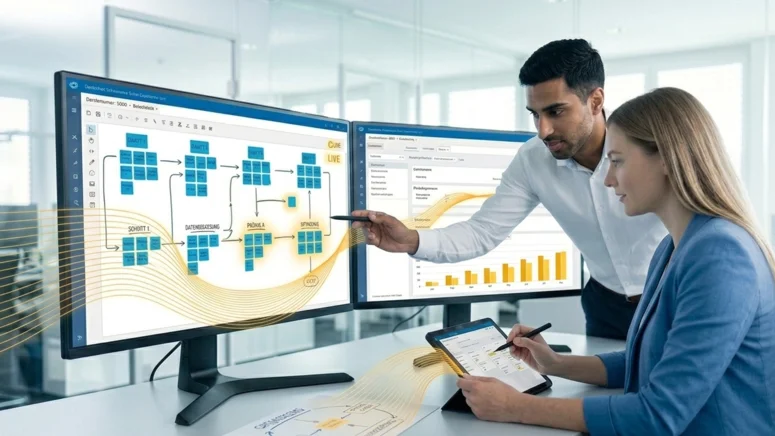
Deploy, monitor & adjust
Train your team, monitor performance, and refine as needed.
Examples of Workflows You Can Automate
Companies that work with automated workflows usually rely on a process- or workflow-automation solution. These tools ensure that information is forwarded from A to B according to defined rules and that actions are completed according to schedule.
Even simple processes can be automated in this way (for example, creating and sending invoices). Writing invoices the old-fashioned way involves entering your customer’s data into an invoicing template, listing the items and entering prices. Once you’ve saved the document, you then have to send it to the customer and then wait to receive the payment. Once the invoice is paid, you then have to update your records.
Workflow automation software can fully automate and streamline processes like these. For example, automation software can detect when a customer orders an item or uses a service. It then automatically transfers the customer’s data to a new invoice and calculates the total. You can include a verification step to double-check that all the data is correct. And then the software can automatically send the invoice to the customer. Once the invoice is paid, your account book is automatically updated.
Common use cases for automated workflows include:
- Invoice Processing
- Business travel management
- Approvals
- Application management
- Employee onboarding
- Digital travel expense reporting
- Digital contract management
- Budget approvals
- ... and much more
FAQ: : Frequently Asked Questions
Do I need to be a developer to use workflow automation?
JobRouter® is based on low-code development. This means that process designers with limited programming knowledge can also model processes using this principle. Developers can extend JobRouter® with additional systems as needed.
Can I create multilingual processes with JobRouter®?
Yes. In addition to a user interface available in 24 languages, JobRouter® allows you to fully translate processes. All content—from labels in forms to email texts—can be translated. A repository is also available where you can centrally manage all labels and export them to Excel and reimport them for translation purposes.
Does JobRouter® support BPMN notation?
Workflows that can be designed with JobRouter® are based on the BPMN 2.0 design. In the JobRouter® platform, starting with version 2022.2, you can upload BPMN files during process import. The conversion into a JobRouter® process then takes place directly after input.
Can JobRouter® be connected to third-party systems?
Yes. To connect to third-party systems, JobRouter® offers its own APIs and integration options, covering areas such as the internal archive and the workflow component.
What options are available for testing workflows?
Every JobRouter® process can be tested in the integrated simulator before going live. It is also possible to operate one or more test systems alongside the JobRouter® environment. Convenient functions are available to transfer created or modified process versions and related objects from the test system to the production system.
Can I manage my workflows on mobile devices in JobRouter®?
Yes. A mobile app for iOS and Android is available, allowing you to manage your workflows. In addition, the JobRouter® client is web-based and can be opened in a browser on any device.
What types of workflows are there, and which does JobRouter® support?
Every workflow represents a sequence of specific work steps and results, which can be designed in very different ways. We distinguish between five different types of workflow processing: sequential, rules-based, parallel, split, and user-controlled workflow processing. You can read more about this in our blog article on workflow management.
Do I need to be a developer to use workflow automation?
JobRouter® is based on low-code development. This means that process designers with limited programming knowledge can also model processes using this principle. Developers can extend JobRouter® with additional systems as needed.