JobRouter® & Microsoft Office : Integrate Excel, PowerPoint & Word into Digital Processes

Seamlessly connect Microsoft Office with JobRouter®
With the JobRouter® Office Integration, you can connect your digital processes directly with Microsoft Office. Whether Word, Excel, or PowerPoint: documents can be opened, viewed, and edited within the workflow — without media disruptions and without leaving the context of the process.
This turns traditional document handling into a true Office Workflow: collaborate on content, keep changes transparent, and speed up everyday tasks in a practical way. Especially for companies looking to further advance their process automation with Microsoft Office, JobRouter® opens up new opportunities for efficient collaboration.
Edit Office documents directly in the process
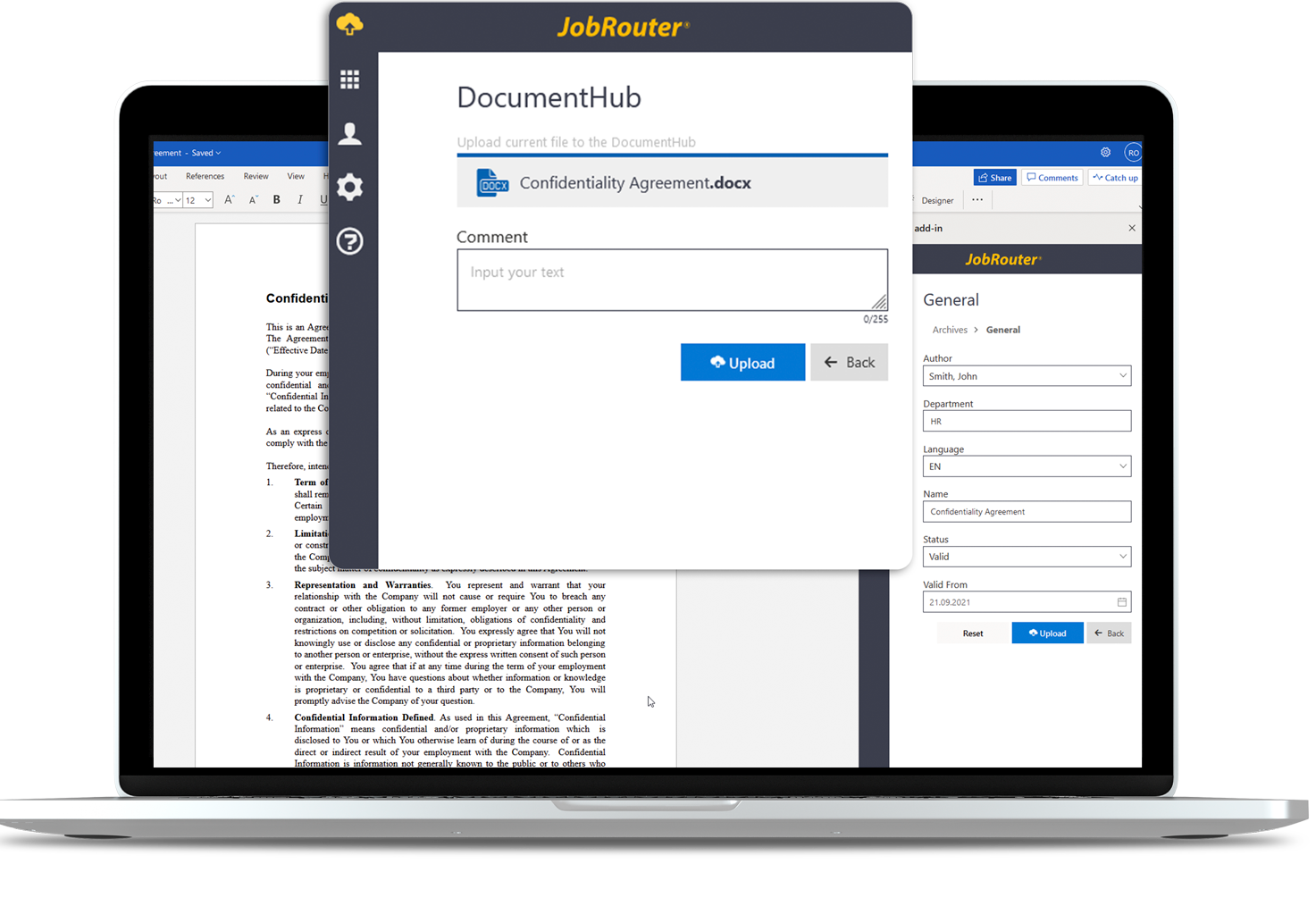
The central component of the integration is the Office Viewer. It allows Office documents to be opened and edited directly in the JobRouter® process or from the archive.
This means users can work with documents exactly where they are needed in daily operations: in the running case, in the dialog integration, or in the archive. The result is better visibility, fewer clicks, and smooth document handling in the digital process.
Collaborate on documents
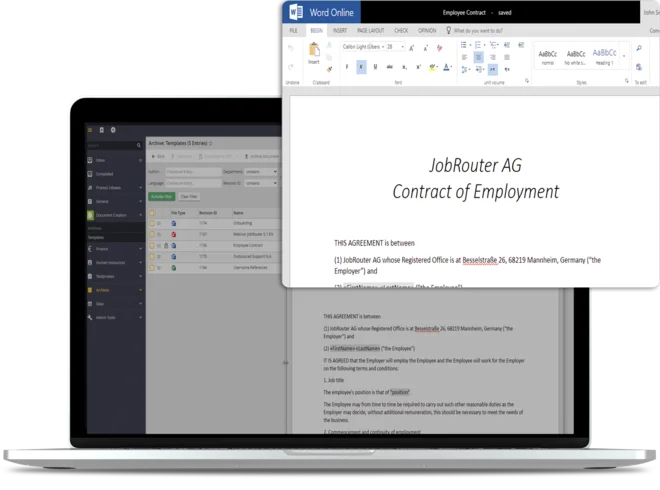
A major benefit of the integration is collaborative work on Office documents. Multiple people can work on the same document and immediately see who has already opened it.
This is especially helpful for coordination, review loops, and approvals. Change tracking, comments, and familiar Office features help teams edit content in a transparent and traceable way.
This creates modern Office Workflows in which documents are not edited in isolation, but actively integrated into processes.
Ihr Nutzen : Key benefits of the Office Integration
- Open Microsoft documents directly from the workflow
- View and edit Word, Excel, and PowerPoint documents in JobRouter® processes
- Collaborate digitally without switching systems or creating media breaks
- Use Office documents in the archive or in the active process
- Track changes transparently and edit documents together
- Make processes more efficient with Microsoft Office
Note: A Microsoft Office account is required to use the Office Viewer.