Workflow management system explained
How Software Supports Your Workflow Management
More efficient, transparent workflows and better collaboration – these are the key benefits of a modern Workflow Management System. Here, you’ll learn what the term means, which digital workflows you can implement, and how to find the right workflow management software for your organization.
What Is a Workflow?
A workflow is the sequence of steps required to complete a task – for example, processing an invoice.
Unlike a process, which describes the business procedure itself, a workflow focuses on who performs which step, when, and how on a technical level.
Every defined workflow follows a structured pattern and consists of several components:
Triggers (events that start the workflow)
Roles (people or systems performing the steps)
Tasks/Steps (actions that run sequentially or in parallel)
Task assignments (to individuals, teams, or systems)
Results (such as deliveries, approvals, or documents)
Result assignments (linking outcomes to the responsible party)
Statuses (current progress or completion level)
Cardinality (how often a task is performed or a result is produced)
Defined end (workflow completion)
What Does Workflow Management Mean?
Workflow Management includes modeling, monitoring, controlling, analyzing, and optimizing workflows across your organization.
Its main goals are to:
Design optimal workflows
Avoid errors and delays
Eliminate redundancies
Maintain visibility into process status and task progress
Webinar recording : How Process Automation Works – Different Use Cases & Industries
How Does a Workflow Management System Work?
Workflow Management Systems (WfMS) are software solutions that support companies with workflow automation and process digitization.
A typical system includes:
Process modeling & organization – often visualized in flowcharts
Workflow Engine – automatically controls, monitors, and triggers follow-up steps
Document management – stores and links your documents
Analytics & reporting – provides insights and identifies optimization potential
From a technical perspective, workflow automation works like this:
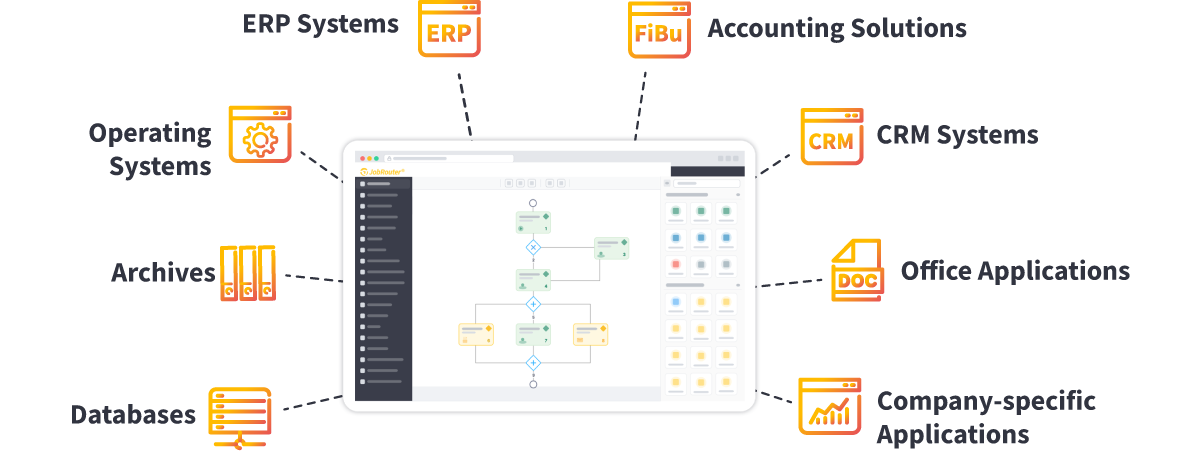
After installation, you connect the platform to all relevant company systems, such as:
ERP, CRM, and accounting systems
Office applications
Archives and specialized business apps
The Workflow Management System becomes the central hub for your processes, enabling seamless process digitization across system boundaries.
JobRouter Digital Process Automation Platform : More Than a Workflow Management System
With JobRouter®, you get a low-code digital transformation platform that connects workflows, documents, and data intelligently.
You benefit from:
- Digital Process Automation (DPA)
- Integrated document and data management
- Flexible and scalable workflow automation
This goes far beyond the capabilities of traditional BPM or DMS solutions.
Experience JobRouter® in action!
Discover how easily you can automate your workflows – schedule a demo now. We’re always here to help.
The Difference Between Workflow Management and BPM
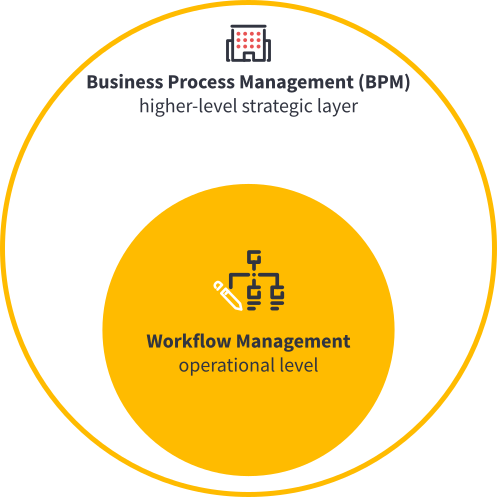
Business Process Management (BPM) operates on a strategic level, integrating processes into the organization’s structure, culture, and long-term strategy – often supported by BPM tools.
Workflow Management, on the other hand, focuses on the operational level: analyzing, modeling, and improving workflows and embedding them into the larger process framework.
Workflow Management in Practice
Whether in finance, HR, procurement, customer service, or logistics, Workflow Management Systems offer numerous applications.
Popular digital workflows include:
- Travel management – Request and approve business trips online
- Contract management – Track deadlines and contract terms with ease
- Fleet management – Manage your vehicle fleet digitally and transparently
- Employee onboarding – Integrate new hires faster and more efficiently
With JobRouter®, workflows are always tailored to your specific use case.
Example: Accounts payable automation
Accounts payable automation is a classic example of a digital workflow with complex requirements, such as:
- Parallel processing on line-item level
- Audit-proof logging of every change
- Direct questions from within the workflow step
- Automatic data transfer to ERP systems like SAP
- Background activities (read/write database entries, trigger external programs)
- Multilingual task lists for international teams
Traditional DMS solutions often can’t fully meet these demands. Modern workflow systems can handle all types of workflows, allow parallel processing, and manage roles and permissions flexibly – enabling true workflow automation.
Project Spotlight – Global Workflow Management with ZF TRW
JobRouter® helps companies worldwide digitize and standardize complex workflows – just like it did for the automotive supplier ZF TRW.
Across 120+ locations in 17 languages, ZF TRW rolled out standardized workflows covering: Vacation and leave requests, Purchase and approval processes, Training and onboarding procedures, Business travel management, Pro forma invoices for customs, Scrap and disposal processes, Audit preparation
In an exclusive interview, company representatives share how the Workflow Management System transformed their day-to-day operations and streamlined processes across the globe.
In 5 Steps to a Digital Workflow
Tip: Modern workflow management software automatically handles documentation and control.
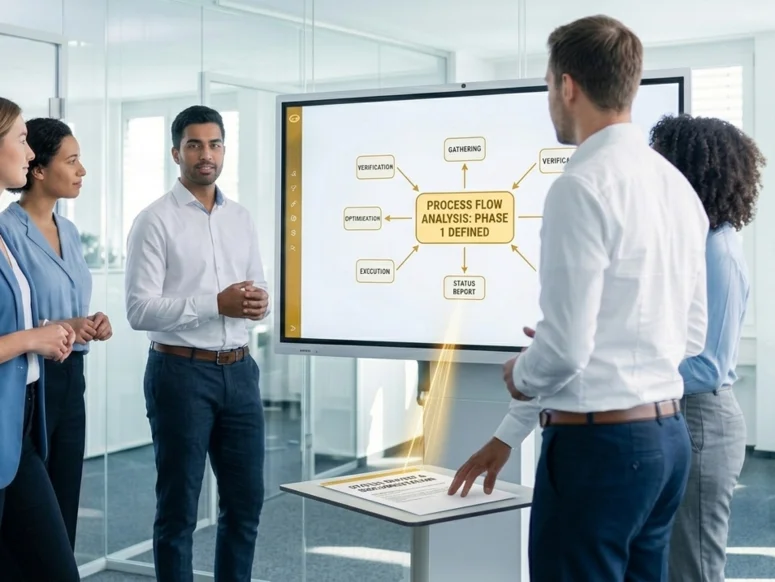
Define your goal
Decide what your workflow should achieve.
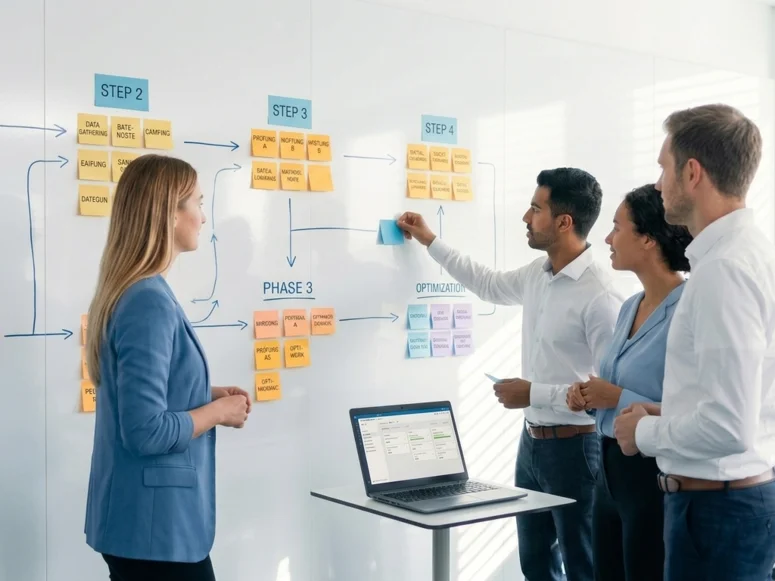
Plan your workflow
List all necessary steps and arrange them in the best order.
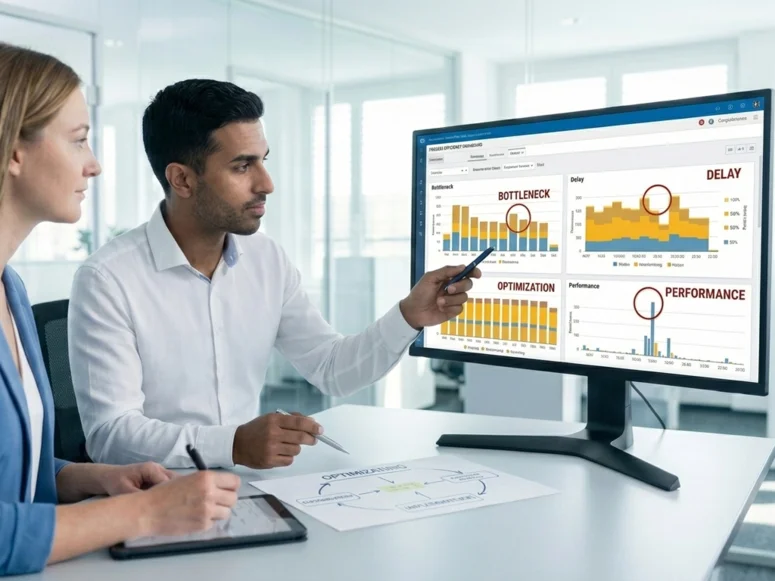
Analyze your workflow
heck efficiency and optimize if needed.
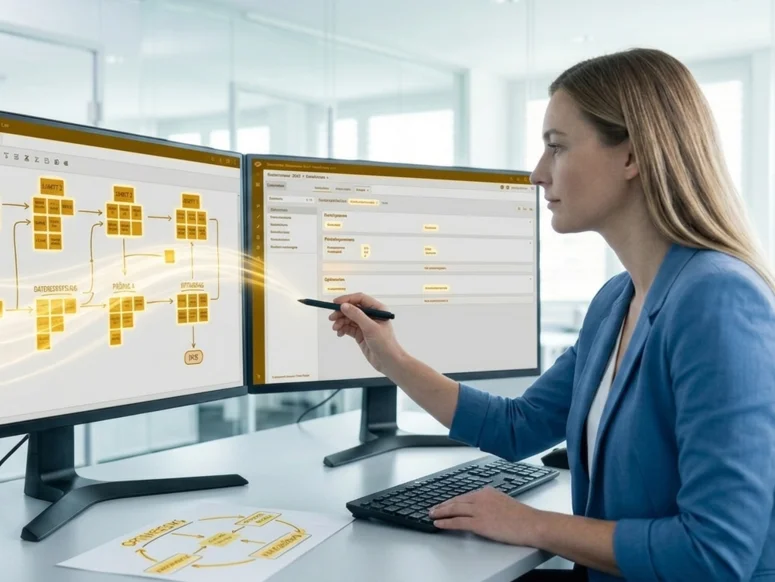
Visualize your workflow
Create a diagram and map it in your Workflow Management System.
Test and improve your workflow
Run it in practice and refine regularly.
Related Topics
Document Management Systems (DMS) at a Glance
Have you ever wondered what a Document Management System (DMS) actually is and how digital document management benefits your organization? You’re in the right place – explore the advantages of DMS and see how it forms a foundation for workflow automation and process digitization.
-
Digital Process Automation
More and more organizations automate their business processes to become faster and more efficient, reduce errors, and gain full transparency across their information flow. Learn how Digital Process Automation with JobRouter® takes your workflow management to the next level.
-
Process Management Made Simple
Known internationally as Business Process Management (BPM) – or process management – this discipline is key to organizing, analyzing, and optimizing your workflows. Here, you’ll find everything you need to know about modern process management and workflow automation.